Design the allowance
Capture employer goals and the employee list. Set employee groups and monthly amounts with clear employee cost examples.

Defined = the employer locks the contribution. Choice = the employee picks the policy.
See how DefinedChoice helps brokers design and run CHOICE Arrangements (formerly ICHRA): set the employer allowance, build the proposal, and guide employees as they shop individual coverage.
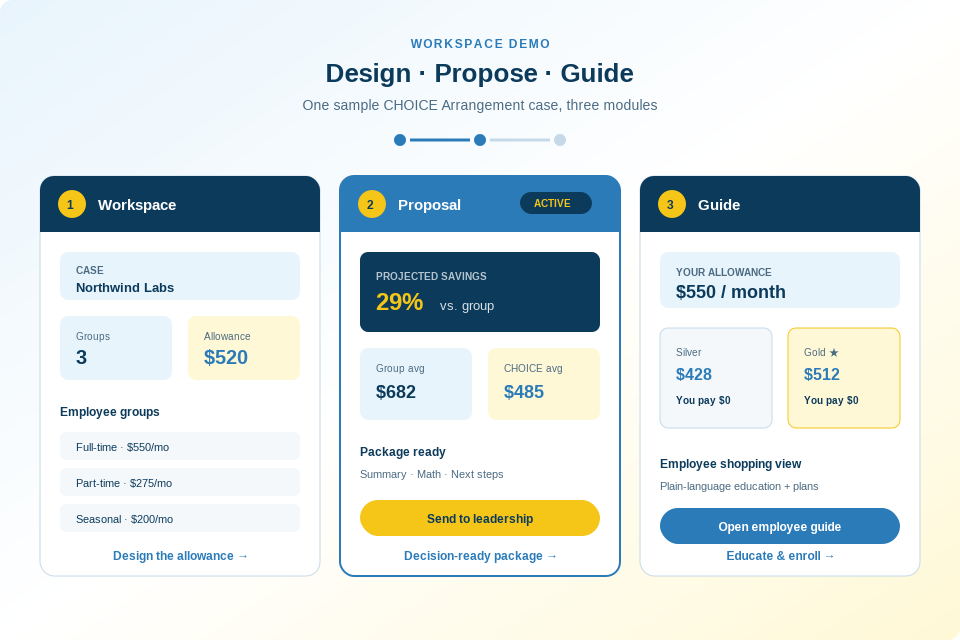
Open the live app to explore, then walk cases with your team.
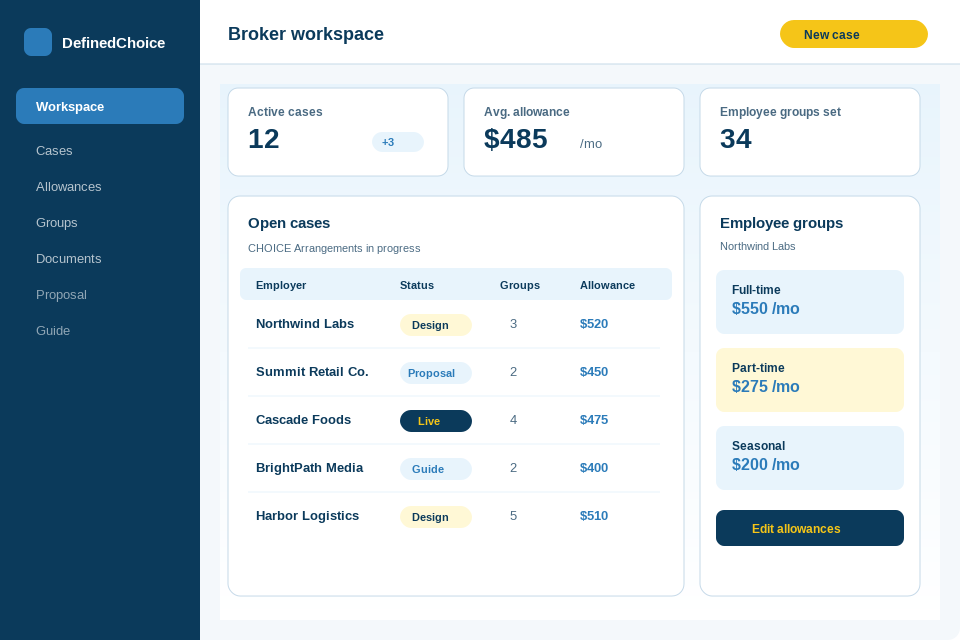
Set employee groups and monthly amounts. See open cases and allowance totals at a glance.
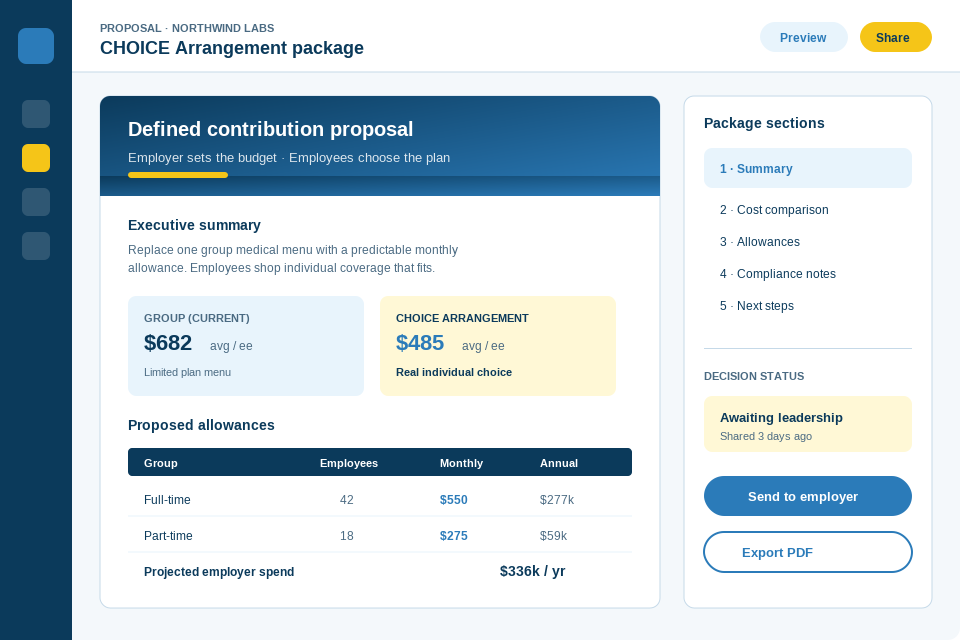
Package savings narrative, math, and next steps so leadership can decide.
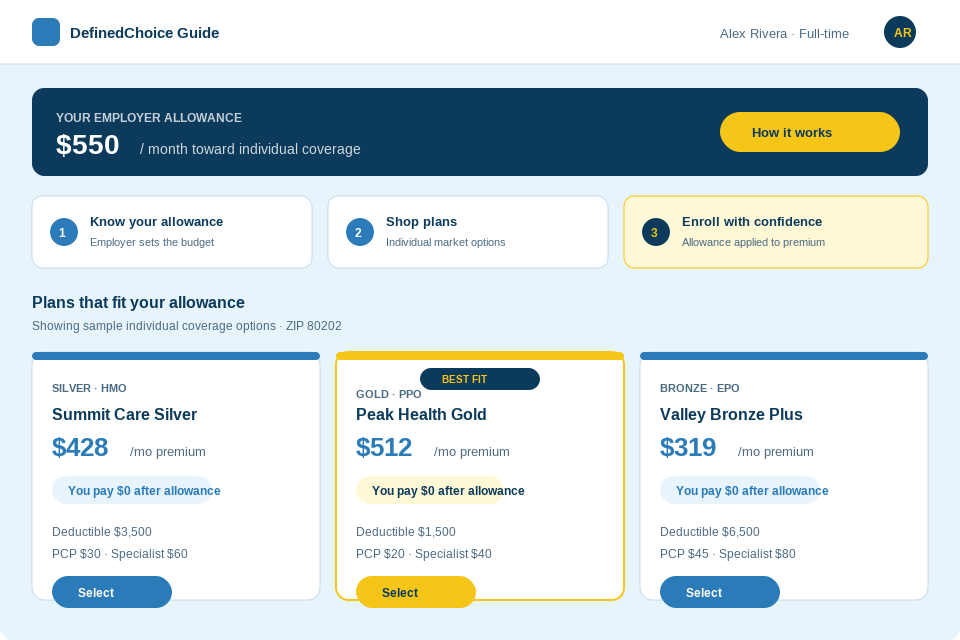
Show the allowance and help people shop individual coverage that fits.
Capture employer goals and the employee list. Set employee groups and monthly amounts with clear employee cost examples.
Package narrative, math, and compliance context so decision-makers can act — without rebuilding the deck.
Educate employees on the allowance and shopping individual coverage. Manage renewals and employee-group changes in Workspace.
See how cases move from qualify → propose → service without spreadsheet chaos.
For brokers →Preview allowance design, proposal review, and employee education before you commit.
For employers →Explore Workspace, Proposal, and Guide modules in more detail.
Product overview →Go to the DefinedChoice app to sign in and walk cases.
Open the live workspace
Open the workspace